Altor
A mobile security app designed to help tradespeople quickly set up alarms and stay protected on job sites.
2024
UI/UX Designer
Project info
Problem
Tradespeople often lose thousands of dollars in stolen tools. Altor, a start-up, wanted an app to pair with their car alarm hardware and give workers peace of mind. Our challenge was to design a simple, reliable experience for users who don’t have time for technical complexity.
Constraints & Scope
This was a group project with a 12-week timeline.
While the team designed the full app, this case study focuses on the onboarding, dashboard, and alert flows.
My Role
I led research synthesis and designed the onboarding flows and help menus. Visual direction was collaborative across the team.
Research &
Key Insights
Research
Through interviews and thematic analysis, we explored how tradespeople monitor vehicle security during workdays and what makes alerts and setup effective in high-pressure environments.
Key Insights
Insight 1 – Clarity Over Features
Tradespeople need to understand vehicle status at a glance. They check the app briefly between tasks, so cluttered screens slow them down.
Insight 2 – Alerts Must Cut Through Noise
Job sites are loud and distracting, so alerts can’t be subtle. Notifications need strong visual contrast and immediate clarity.
Insight 3 – Setup Must Be Non-Technical
Users are not interested in configuration — they want fast protection. Onboarding should use plain language and require minimal steps.
The Design
ONBOARDING & SETUP
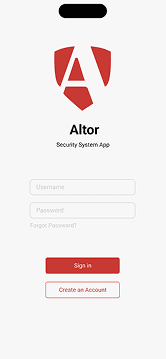
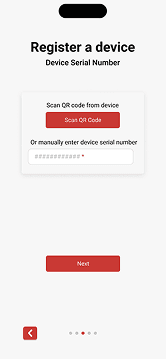
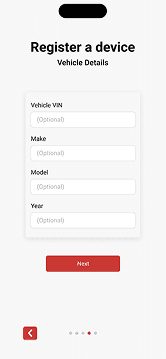
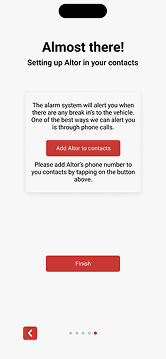
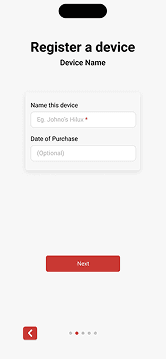
Tradespeople often want to get set up quickly and move on with their day, without having to interpret technical terms or lengthy forms.
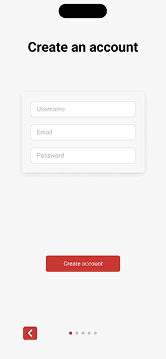
The onboarding experience was kept short and linear, using plain language and only asking for essential information before activating the alarm.
This allows users to start protecting their vehicle almost immediately and check their security status without friction.
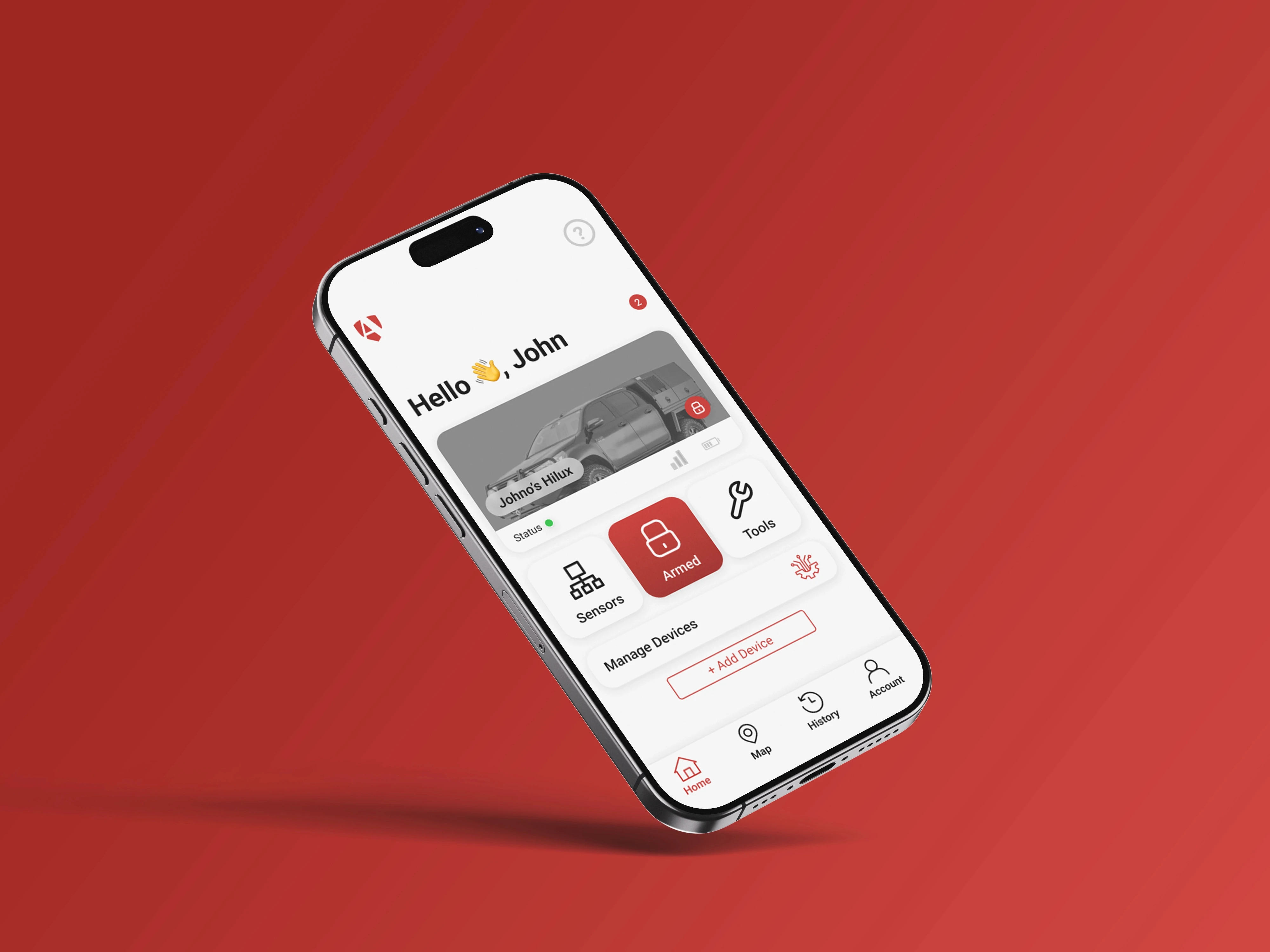
HOME DASHBOARD
Tradespeople need a fast way to check whether their vehicle is secure, especially when moving between jobs or taking short breaks.
The dashboard was designed around a single, clear security state, supported by strong hierarchy and minimal secondary actions so the status is immediately obvious.
As a result, users can confirm their vehicle’s security with a quick glance, without needing to navigate deeper into the app.
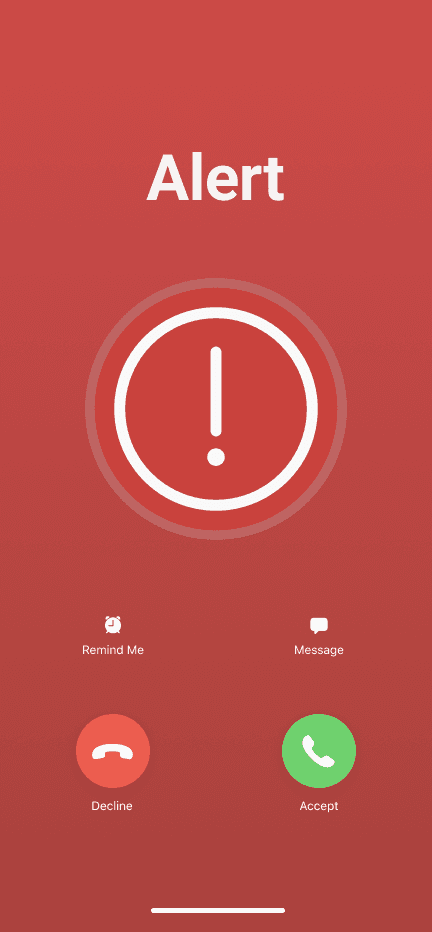
SECURITY ALERT
When an alarm is triggered, standard notifications can be easy to miss in noisy or distracting environments.
To address this, alerts were designed as incoming phone calls with customised visuals, ensuring they interrupt the user and clearly communicate urgency.
This makes it far more likely that users notice and respond to security events right away, even on busy job sites.
The Design Cont.
The Design Cont.
Final Solution
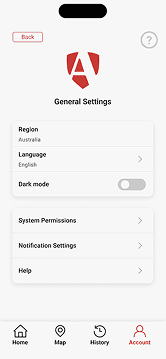
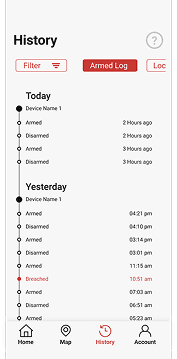
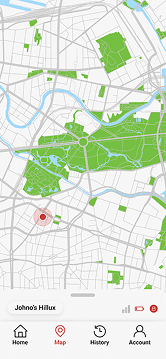
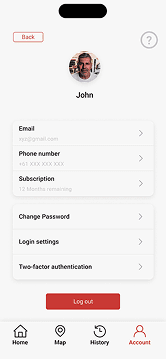
The final prototype covered the full app experience, with the flows above representing the most critical moments for users.
<Link to prototype>
Outcomes & Learnings
The final prototype was delivered to the client and demonstrated how the mobile app would support the alarm system in day-to-day use. The focus on a clear dashboard, streamlined setup, and highly visible alerts aligned well with the needs of tradespeople working in busy environments.
Working on this project reinforced the value of reducing complexity early, rather than adding features by default. It also highlighted how understanding real-world context can lead to more effective design decisions, even when they challenge conventional patterns.
If given the opportunity to further work on this I would conduction another iteration of design after conduction usability testing with tradespeople.